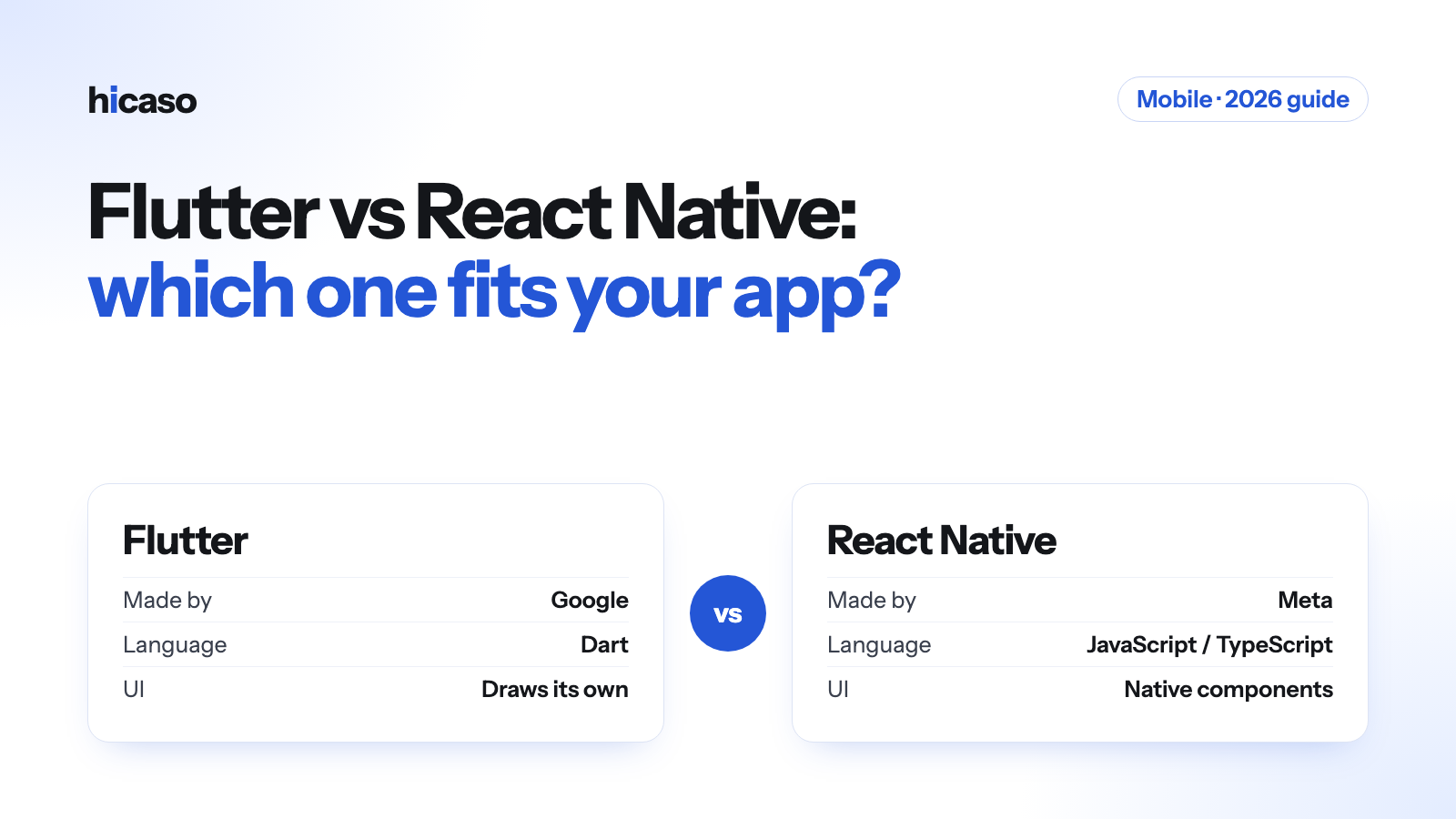
Flutter vs React Native in 2026: how to choose for your app

Flutter or React Native for your next app? A plain comparison of language, UI, hiring and cost, and a simple way to decide which one fits your product.

16 November 2026, Hicaso, Mobile

Describe the imageIf you want one app for both Android and iOS, two names come up straight away: Flutter and React Native. Both let one team write one codebase and ship it to both app stores. Both are free, open source and used in production by large companies. So the real question is not which one is good. It is which one suits your product, your team and your plans.

This guide explains the differences in plain language, so you can have a better conversation with whoever builds your app.

The short answer

  • Choose Flutter if you want a custom, branded design that looks the same on every phone, and you are starting from scratch.
  • Choose React Native if your team already works in JavaScript or React, you have a React website, or you want the app to feel exactly like a native iPhone or Android app.
  • Either one works for most business apps: booking, ordering, dashboards, field tools, customer portals. The team that builds it matters more than the framework.

What each one is

Flutter is made by Google. You write the app in a language called Dart. Flutter draws every button, list and screen itself with its own rendering engine, instead of using the phone's built-in components. That is why a Flutter app looks the same on an old Android phone and a new iPhone.

React Native is made by Meta. You write the app in JavaScript or TypeScript, using React, the same library many websites are built with. React Native shows the phone's real native components, so a switch looks like an iOS switch on an iPhone and an Android switch on Android. Most new React Native projects now start with Expo, a toolkit that handles builds, updates and many device features.

How they compare

Flutter React Native
Made by Google Meta
Language Dart JavaScript or TypeScript
How the UI is drawn Its own engine draws every pixel Uses the phone's native components
Look across devices Identical everywhere Follows each platform's style
Sharing code with a website Limited Easier if the website uses React
Hiring developers Smaller pool, Dart is less common Large pool, JavaScript is very common
Live reload while coding Hot reload Fast Refresh
Web and desktop Supported from the same code Possible with extra libraries

Neither one is "slow". For normal business apps, users will not feel a difference. Heavy 3D games and apps that do a lot of video or camera processing are a different case, and sometimes need fully native code whichever you pick.

When Flutter is the better fit

  • Your design is the product. A strong brand, custom animations, unusual layouts. Flutter makes pixel-exact design easier because it does not depend on each phone's components.
  • You want the same look everywhere. Useful for retail, kiosks, and apps used on many cheap Android devices.
  • You might add web or desktop later from the same codebase, such as an admin panel or a tablet app for staff.
  • You are starting fresh and have no existing JavaScript code or team.

When React Native is the better fit

  • You already have a React website or a JavaScript team. Developers can move between web and mobile, and some logic can be shared.
  • You want a native feel. Navigation, switches, menus and gestures behave the way iPhone and Android users expect.
  • You need to hire or grow the team later. JavaScript developers are easier to find in most markets.
  • You want quick updates. With Expo, small fixes to the JavaScript part of the app can be sent to users without waiting for a new store release, within the app store rules.

What about cost and timeline?

The framework itself is free, and both save money compared with building two separate native apps, because one team writes one codebase. The cost of your app depends far more on:

  • how many screens and user roles it has,
  • whether it needs a backend, an admin panel, payments or chat,
  • which device features it uses, such as maps, camera, Bluetooth or offline mode,
  • design work, testing and the app store release.

If someone quotes a very different price only because of Flutter or React Native, ask why. The features drive the cost, not the logo on the framework.

Five questions to ask before you choose

  1. Who will maintain the app after launch? Pick the framework that team knows, or can hire for.
  2. Do you have a website already? If it is built in React, React Native has a head start.
  3. How custom is the design? The more custom it is, the stronger the case for Flutter.
  4. Will you need web or desktop versions? Flutter covers more targets from one codebase.
  5. Which device features are essential? Check that each one is well supported before you commit. Both have plugins for the common ones.

How we decide at Hicaso

We build mobile apps with both Flutter and React Native. We don't push one. In the first call we look at your design, your existing code, your team and your plans for the next two years, then recommend one and explain why. You see working builds in weekly demos, and you own the code we write for you.

Planning an app? Tell us what you want to build or read more about our mobile app development work.

Questions about this post

Write to us about it, or about the software you want built.

Email hello@hicaso.com
  • Write to hello@hicaso.comWe reply by email
  • Monday to Friday9:00 AM to 6:00 PM IST